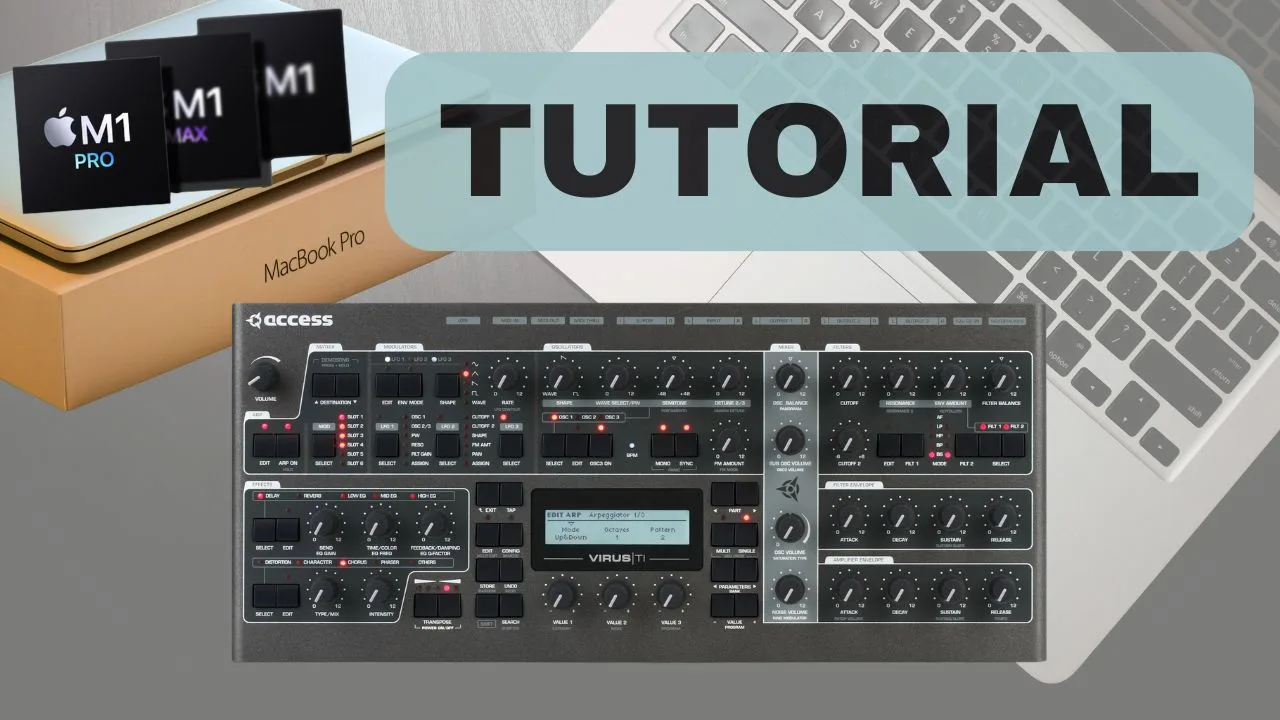
If you’re wondering how to use Access Virus TI with MacBook after moving to a modern Apple Silicon machine, you’re not alone. If you own an Access Virus TI or Virus TI2 and recently upgraded to a MacBook with Apple Silicon (M1, M2, M3 or newer), you’ve probably already noticed that the original Virus USB integration no longer works.
That’s also part of what made the Virus TI so special back in the day — the whole idea of Total Integration. The “TI” in the name wasn’t just marketing. It referred to the ability to control the synth from a full software environment on your computer, which was a huge part of the Virus workflow and one of the reasons the instrument stood out so much in its prime.
In this guide, I’ll show you how to use Access Virus TI with MacBook M1 / M2 / M3 / M4 / M5 step-by-step. The process involves installing a custom MIDI driver, configuring your MIDI interface, and setting up your DAW so the Virus works reliably on modern macOS systems.
This tutorial is based on my full video walkthrough where I demonstrate the complete setup process from scratch.
Why Access Virus TI Needs a Workaround on Apple Silicon
The original Access Virus TI USB driver was designed for Intel-based Macs and older macOS versions. When Apple transitioned to Apple Silicon processors, compatibility with many legacy drivers was lost.
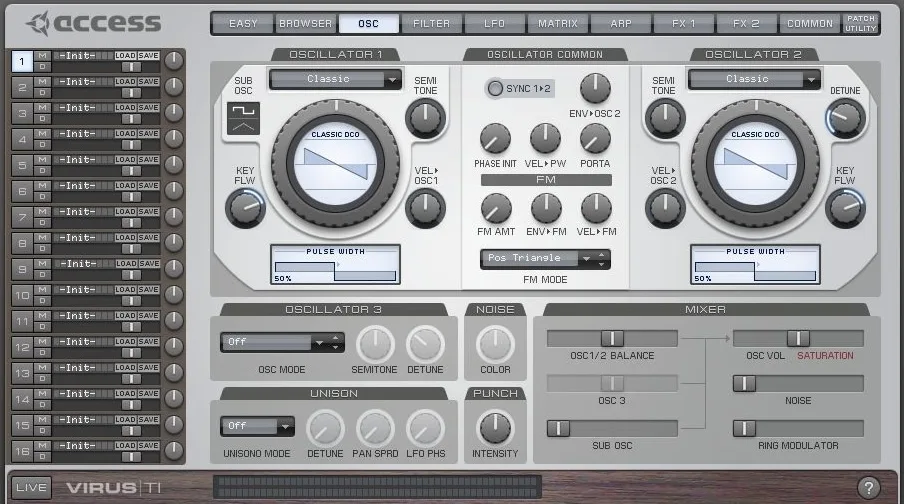
Because of this, the classic Total Integration USB workflow is no longer officially supported on modern Macs. However, you can still use the Virus TI perfectly by setting up:
- MIDI communication via a standard MIDI interface
- A custom USB MIDI driver for Apple Silicon
- External audio recording through your audio interface
Once configured properly, the Virus works smoothly in modern production setups.
Tools You’ll Need
Before starting the setup, make sure you have the following tools:
🧰 Required for the setup
- Access Virus TI or Virus TI2 – The synth used in this tutorial
- MIDI interface – With standard DIN MIDI ports
- MacBook with Apple Silicon – M1 / M2 / M3 / M4 / M5
- Xcode – Needed to compile and authorize the custom driver
- SimpleVirusUSBMidiDriver – Community-developed USB MIDI workaround
🔗 Recommended tools used in this tutorial
- MIDI Interface → https://go.mrcardsynths.com/cme-c2midi-pro
- Apple Xcode → https://go.mrcardsynths.com/apple-xcode
- SimpleVirusUSBMidiDriver → https://go.mrcardsynths.com/virus-ti-midi
Step-by-Step: Using Access Virus TI on Apple Silicon Macs
Here is the exact process I demonstrate in the tutorial.
1. Connect the Virus TI via MIDI
Connect your MIDI interface MIDI OUT → Virus MIDI IN and optionally MIDI OUT → MIDI IN for two-way communication. This ensures stable MIDI communication independent of USB.
2. Install Apple Xcode
Download and install Xcode from the Apple Developer website or the Mac App Store. This is required to compile and authorize the custom MIDI driver used in this setup.
3. Download the Custom Virus MIDI Driver
Download the SimpleVirusUSBMidiDriver package. This community-developed driver enables USB MIDI communication with the Virus TI on Apple Silicon Macs.
4. Compile and Install the Driver
Open the driver project in Xcode, build the project, and install the driver component on your Mac. You may need to approve the driver in macOS Security Settings.
5. Connect the Virus via USB
Once the driver is installed, connect the Access Virus TI via USB. Your Mac should now detect the synth as a MIDI device.
6. Configure MIDI in Your DAW
Open your DAW and enable the Virus MIDI ports. You can now send MIDI notes, automation, and program changes directly to the synth.
7. Record Audio Through Your Interface
The Virus audio output should be recorded via your audio interface inputs. This gives you the best sound quality and avoids USB audio compatibility issues.
8. Optional: Use a Modern Virus Editor
If you want a workflow closer to the original Total Integration experience, I strongly recommend using the Aura Plugins Access Virus Editor. It’s currently the only modern editor that works reliably with the Virus TI on Apple Silicon Macs.
Watch the Full 45-Minute Access Virus TI Setup Tutorial
If you prefer seeing the entire process visually, watch the complete tutorial below where I go through every step in detail:
The video covers:
- MIDI setup and routing
- Recording the Virus in a DAW
- Installing and configuring the software editor
- Multi-recording workflow
- Creating a bank of favorite sounds
Individual Setup Parts
Before creating the full tutorial, I recorded the setup process as several shorter videos. You can also watch each step individually:
Explore Access Virus TI Presets
If you want to expand the sonic possibilities of your Access Virus TI / TI2, I’ve created a large collection of custom soundsets designed specifically for this legendary synthesizer.
These presets include:
- Cinematic pads
- Atmospheric textures
- Deep bass sounds
- Modern electronic leads
- Ambient soundscapes
Browse all Virus TI presets here:
https://mrcardsynths.com/product-category/access-virus/virus-ti-presets/
Why the Access Virus TI Is Still Desired in 2026
Although the Access Virus TI is no longer in production and official support has effectively ended, it remains one of the most iconic digital hardware synthesizers ever made. Even in 2026, many producers still look for it specifically because of its unmistakable sound character — wide, polished, slightly glossy, and incredibly powerful in a mix. What made the Virus special from the beginning was the combination of huge polyphony, multi-timbral architecture, and a deep synthesis engine. Its hypersaw oscillators, lush pads, aggressive basses, and cinematic textures defined the sound of countless electronic records for more than two decades.
Despite the lack of official updates, the Virus TI can still be used very effectively in modern studios. With a proper MIDI setup and tools like the Aura Plugins Virus Editor, the synth remains perfectly usable alongside modern DAWs and Apple Silicon computers. For many producers, this combination restores a workflow that feels very close to the original Total Integration concept.
In my own studio, I still keep a Virus TI Snow, and it remains the only digital hardware synth I haven’t been able to replace with software. Yes, there is also the The Usual Suspects – DSP56300 Emulation, which recreates the Virus architecture extremely closely and is genuinely impressive. Still, when I’m actually producing music, I personally prefer the hardware.
To my ears, the real Virus still feels a bit better in use — it has more presence in a mix, a greater sense of weight, and simply feels more playable and inspiring as an instrument. Of course, this quickly becomes part of the wider software vs hardware debate, and there is no universal winner there. But for my workflow, the hardware Virus is still the one I reach for when I want that unmistakable character.

Final Thoughts
Even though the original Total Integration USB system no longer works natively on Apple Silicon Macs, the Access Virus TI remains an incredibly powerful synthesizer that can still integrate smoothly into modern production setups.
With a proper MIDI setup, the custom USB driver, and a good audio interface, the Virus works reliably with modern macOS systems and DAWs.
If you already own a Virus TI, this setup allows you to continue using one of the most iconic virtual-analog synths ever made — even on the latest Apple Silicon machines.
Want to learn more about synths, setup tutorials, and sound design? Check out my other guides here:
https://synths101.com/category/tutorials/


